
Rainbow filament planning & sample approval
Rainbow Filament Color Changes: Length, Volume & Sample Planning
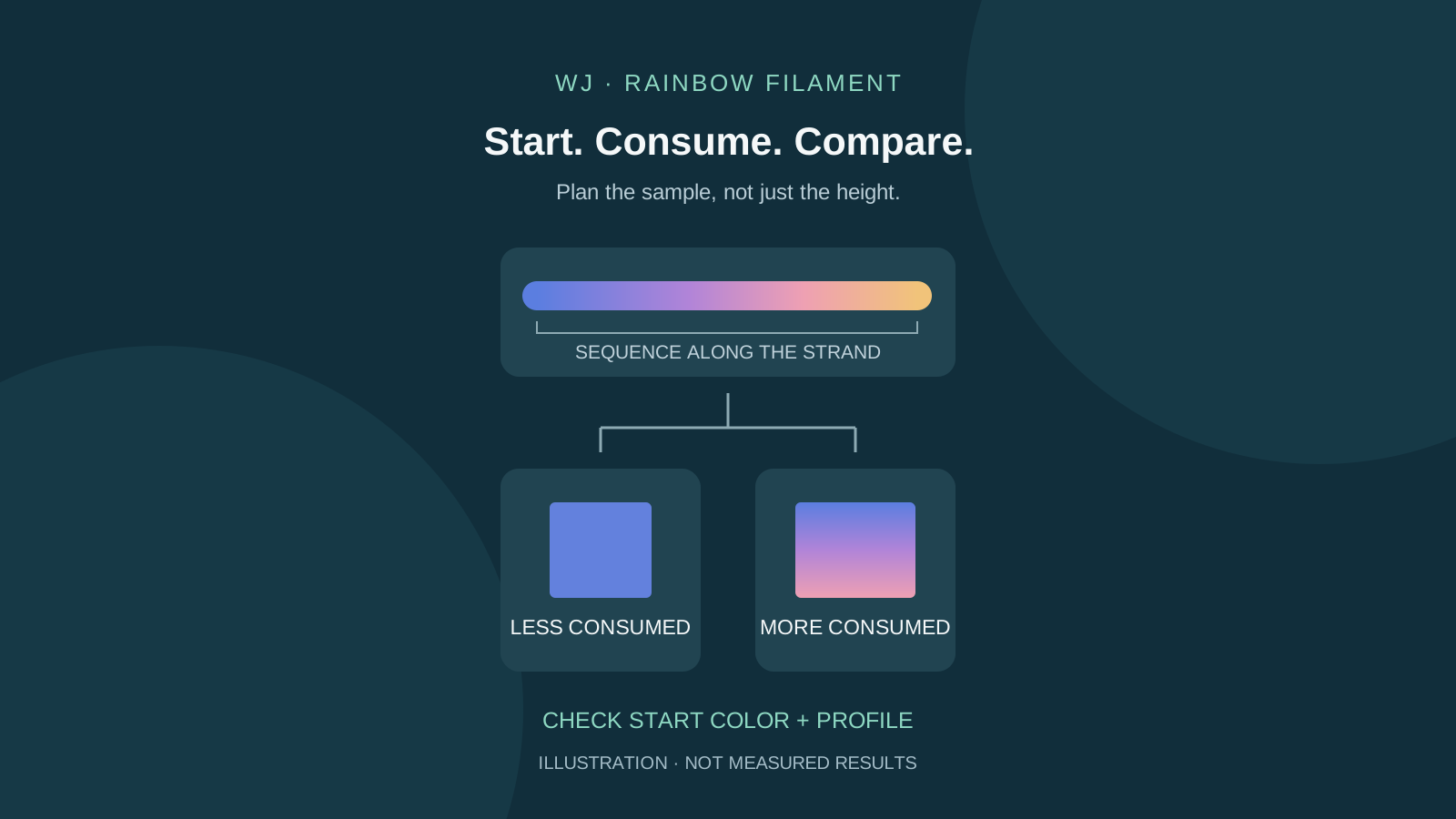
A small rainbow print may use only one part of the strand’s color sequence. Height alone cannot tell you where the next color will appear. This WJ guide connects material choice, sliced volume and sample records so buyers can discuss an achievable decorative result before approving an OEM order.
Quick answer for buyers
WJ 3D Printer Filament Factory presents rainbow PETG and supplier-identified crystal rainbow PLA in separate production showcases. A lengthwise gradient follows the strand consumed by the job, so starting position, walls, infill and other extrusion affect the visible color pattern. This guide provides an illustrative length calculation and sample-approval worksheet, not a measured WJ color-cycle specification. Confirm the exact grade and colorway, compare a print made with the agreed model/profile, and send the reference sample, quantity, spool and packaging requirements to WJ.
1. Identify how the color is produced
Single-spool gradients, side-by-side dual colors and scheduled filament swaps solve different design problems. A rainbow strand does not place a chosen logo color at a prescribed layer. Check the exact product description before designing the test.
| Mechanism | What changes the appearance | Buyer check |
|---|---|---|
| Lengthwise rainbow / gradient | Color changes as more strand is consumed | Starting color and sequence on the sample |
| Side-by-side dual-color strand | Viewing angle and strand orientation affect the two-tone surface | Rotate a small comparison model |
| Scheduled filament swap | A change is assigned to a layer or toolpath | Machine capability, change point and residual material |
2. Keep rainbow PETG and crystal rainbow PLA separate
WJ’s pink-white rainbow PETG and blue-purple crystal rainbow PLA showcases identify different products. They do not establish the same color spacing, transparency, gloss or processing profile. A winding close-up is not a complete print-through of a spool.
For PETG, start with the exact WJ PETG Rainbow document and its processing context. For the crystal rainbow PLA sample, confirm its exact SKU and applicable instructions with WJ; do not silently substitute a generic PLA Rainbow or Silk Rainbow reference. Follow the printer, nozzle, build-surface and drying limits for the selected grade.
3. Count all material consumed before the visible surface
The start position on the spool sets the initial color. Walls, top/bottom layers, infill, supports and startup extrusion can advance the strand before a particular outside face is printed. Check the actual sliced job, including auxiliary extrusion, rather than just the model height or file bounding-box volume.
A wider or more filled model can consume more filament at the same height. Increasing walls or infill can move transitions, but also changes time, mass and part behavior. Keep the functional requirements; do not add material solely to chase a color. A slicer preview is a planning estimate, not a verified map of an unknown color sequence.
4. Use a length estimate without predicting a color period
For a round nominal 1.75 mm strand, area = π × (1.75 / 2)² ≈ 2.405 mm². Approximate filament length in mm = extruded polymer volume in mm³ ÷ strand area. Use sliced extrusion volume, not the solid CAD envelope; a hollow model can have a much larger envelope than its material volume.
The two examples below are geometry-only assumptions, not WJ sample results. They do not predict how many colors will appear. Prefer the slicer’s length estimate for the complete job and check its diameter/profile assumptions. Converting mass to volume additionally requires the applicable grade density; do not reuse a PETG density for PLA.
| Assumed extruded volume | Nominal strand | Approximate consumed length |
|---|---|---|
| 6,000 mm³ | 1.75 mm | 2.49 m |
| 12,000 mm³ | 1.75 mm | 4.99 m |
5. Build a useful comparison before the full order
Choose a representative model and one agreed profile. Save the sliced file, material estimate and a photo of the starting color. Make a baseline sample, then change only one variable, such as wall count or infill, while recording the resulting consumption. Keep lighting and viewing direction consistent.
Label sequential prints because the second print starts farther along the strand. They are not controlled repeats from the same color phase. For a repeatability claim, agree a practical starting-color reference with WJ and include multiple samples or spools as the project requires. Do not assume identical phase merely because two spools share a colorway name.
6. Explain unexpected results before changing temperatures
Do not exceed the grade’s processing limits to force a color shift. First distinguish insufficient sequence consumption from surface gloss, lighting or printing defects.
| Observed result | Next check | Record |
|---|---|---|
| Small model remains mostly one color | Was the consumed segment long enough to reach a transition? | Starting color, sliced length and sample photo |
| Transition appears at another height | Did walls, infill, supports or startup extrusion change? | Profile version and complete job consumption |
| Repeated jobs start with different colors | Did the strand start at a different position or spool? | Spool/lot ID and starting-color reference |
| Color looks different in photos | Are lighting, viewing angle or surface conditions different? | Fixed lighting, orientation and processing profile |
7. Send a sample record with the OEM inquiry
Use the blank field groups below to agree the comparison. A physical accepted sample is more specific than a screen image alone. Agree acceptable variation, and recheck affected requirements when grade, colorway, geometry, profile or packaging changes.
| Record group | Fields to complete |
|---|---|
| Product | Exact grade/SKU, colorway, lot/spool and applicable document |
| Start | Starting-color photo and previously consumed segment if known |
| Job | Model revision/orientation, walls/infill/supports, slicer and profile |
| Result | Estimated/actual consumption where available, photos and agreed acceptance |
| Order | Reference sample, quantity, spool, label/box, destination and delivery discussion |
Procurement notes
| Sample | Exact SKU, colorway, spool/lot and starting-color reference. |
|---|---|
| Profile | Agreed model, orientation, walls, infill and consumption. |
| Approval | Physical sample, photos and acceptable variation. |
| OEM order | Quantity, spool, packaging and destination. |